Why Your Clients Don’t Use the Tools You Send Them (And How to Fix It)
You set up a Trello board. Shared a Notion page. Maybe even tried Asana. Your clients used it twice and went back to email. Here's why it keeps happening and what actually works.
You’ve been here before.
You set up a Trello board for your client. Colour-coded labels. Clear columns. A getting-started guide pinned to the top. You share the invite link. The client says “this looks great.” They never log in again.
Or you built a Notion workspace. Task database, status properties, a nice layout. The client used it twice, then went back to emailing you because they “couldn’t find the right page.”
Or you bought a team plan for Asana, ClickUp, or Monday.com. You spent an afternoon learning it. You invited the client. They created an account, looked at the dashboard, got overwhelmed, and sent you a WhatsApp instead.
Sound familiar?
The tools aren’t the problem. The friction is.
Your clients aren’t lazy. They’re busy.
When a client doesn’t use the system you set up, it’s tempting to blame them. “If they’d just check the board…” or “I already explained how it works…”
But think about it from their side.
Your client runs a business. They have their own tools, their own inbox, their own problems. Your project is one of twenty things on their plate this week. They don’t want to learn a new platform. They don’t want to remember another password. They definitely don’t want to figure out the difference between a Trello card and a Trello checklist.
They want one thing: to tell you what they need and know that it’s being handled.
Every step you add between “I need this done” and “it’s submitted” is a step where they might give up and just email you instead.
The three friction points that kill adoption
1. Account creation
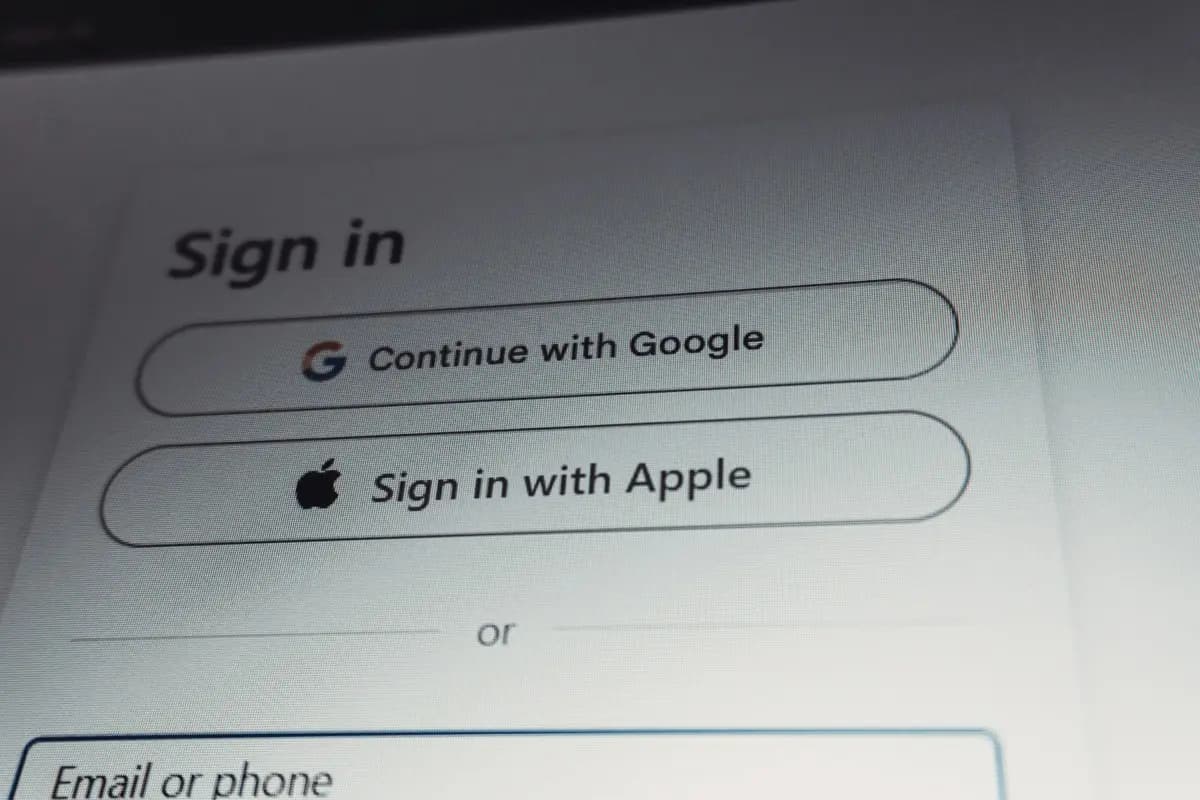
This is the biggest one. The moment a tool requires your client to create an account, you’ve lost a percentage of them. Not all of them. But enough to make it a problem.
Creating an account means choosing a password, verifying an email, maybe downloading an app. For your technically-minded clients, this is nothing. For the small business owner who hired you because they’re not technical, it’s a barrier.
And even for clients who do create an account, there’s the ongoing friction of remembering the password. “What was the login for that project thing again?” is the precursor to “I’ll just email Dave.”
2. Learning curve
Every tool has a learning curve, even the “simple” ones.
Trello needs you to understand boards, lists, and cards. Notion needs you to understand pages, databases, and properties. Asana needs you to understand projects, tasks, subtasks, and sections.
For developers, this stuff is second nature. We live in tools. We learn new interfaces for fun. Our clients don’t.
The moment a client opens a tool and isn’t immediately sure what to do, they close the tab. They’ll come back to it later. (They won’t come back to it later.)
3. Ongoing maintenance
Even if a client successfully creates an account and learns the tool, there’s the question of whether they’ll keep using it.
Tools require maintenance. Not just from you, but from the client. They need to remember to go there instead of emailing you. They need to check for updates. They need to remember which board or page is theirs.
If the tool isn’t part of their daily routine (and it won’t be, because they’re not a developer), it fades. After a few weeks, the Trello board goes stale. After a month, they’ve forgotten the Notion link. You’re back to email.
What zero-friction actually looks like
If you want your clients to use a system, it needs to be easier than email. Not “about the same as email.” Actually easier.
That’s a high bar. But it’s achievable if you strip away everything that creates friction.
No account. The client doesn’t create a login. They don’t choose a password. They don’t verify an email address. They get a link, they click it, they’re in.
No app. Nothing to download. Nothing to install. It works in the browser they already have open.
No learning. The interface should be obvious within five seconds. Submit a request, see your requests, check a status. If it needs a tutorial, it’s too complicated.
No maintenance. The client doesn’t need to “remember to check” the tool. They bookmark a link. When they need something, they go to the bookmark. When they want an update, they go to the bookmark. That’s the entire workflow.
This is why shared Google Docs work so well for simple collaboration. No account needed (if you share the link publicly), no app to install, no learning curve. But Google Docs isn’t built for task management, so it falls apart for anything more structured than a shared list.
The ideal tool has the accessibility of a shared link and the structure of a proper task management system.
How to transition clients who are stuck on email
If you’ve already tried and failed to get clients onto a tool, here’s a practical approach.
Don’t make a big announcement. The worst thing you can do is send an email saying “We’re moving to a new system! Please create your account and start using it from Monday.” That feels like homework. Clients will nod, ignore it, and keep emailing you.
Start by redirecting. When a client emails you a request, reply normally but add: “I’ve logged this in your portal. You can track it here: [link].” Do this every time. After a few weeks, they start clicking the link to check on things. After a few more weeks, they start going there first.
Make it the path of least resistance. If submitting a request through the portal is genuinely faster than writing an email (and it should be), clients will switch on their own. Nobody chooses the harder option when a simpler one exists.
Don’t fight the stragglers. Some clients will always prefer email. That’s okay. You can still log their emailed requests into your system and manage them from your dashboard. The goal isn’t to eliminate email entirely. It’s to stop using it as your project management tool.
The bottom line
Your clients don’t use your tools because your tools ask too much of them.
The fix isn’t a better Trello board or a more detailed Notion template. The fix is removing the friction entirely. No account. No app. No learning curve. Just a link that works.
When you make the system easier than email, your clients will use it. Not because you asked them to, but because it’s the obvious choice.
TaskClarity was built around this principle. Each client gets a unique link to their portal. No account, no app, no onboarding. They click the link, submit a request, and check their status. That’s the whole experience.

Written by
David O'Sullivan
Web developer and the founder of TaskClarity. He runs Inovo Media, a solo WordPress and Next.js development business in the North West of England, working with agencies and business owners who want reliable dev support without the runaround. He built TaskClarity after years of managing client requests through scattered emails and WhatsApp messages, and deciding there had to be a better way. When he's not building things, he's probably on a golf course or somewhere in Europe in my campervan.
Connect with me on LinkedInDon't let client work run your week
Short, practical reads on managing projects and staying sane as a solo dev. One email when something's worth sharing.